Patent Tools
Live USPTO patent search, document reading and drawing viewing — plus a patent drawing skill that drafts and checks figures under 37 CFR 1.84. Built for Claude.


Live USPTO patent search, document reading and drawing viewing — plus a patent drawing skill that drafts and checks figures under 37 CFR 1.84. Built for Claude.
An MCP server and Claude Desktop extension. Search patents and applications, read the actual text of claims, abstracts and specifications, search and read examiner office actions and petition decisions, and view drawing sheets as images — including CCITT fax-compressed scans. Bring your own free USPTO API key.
Drafts patent figures under 37 CFR 1.84, runs an automated compliance checker, compares reference numerals against your specification, and assembles a filing-ready PDF.
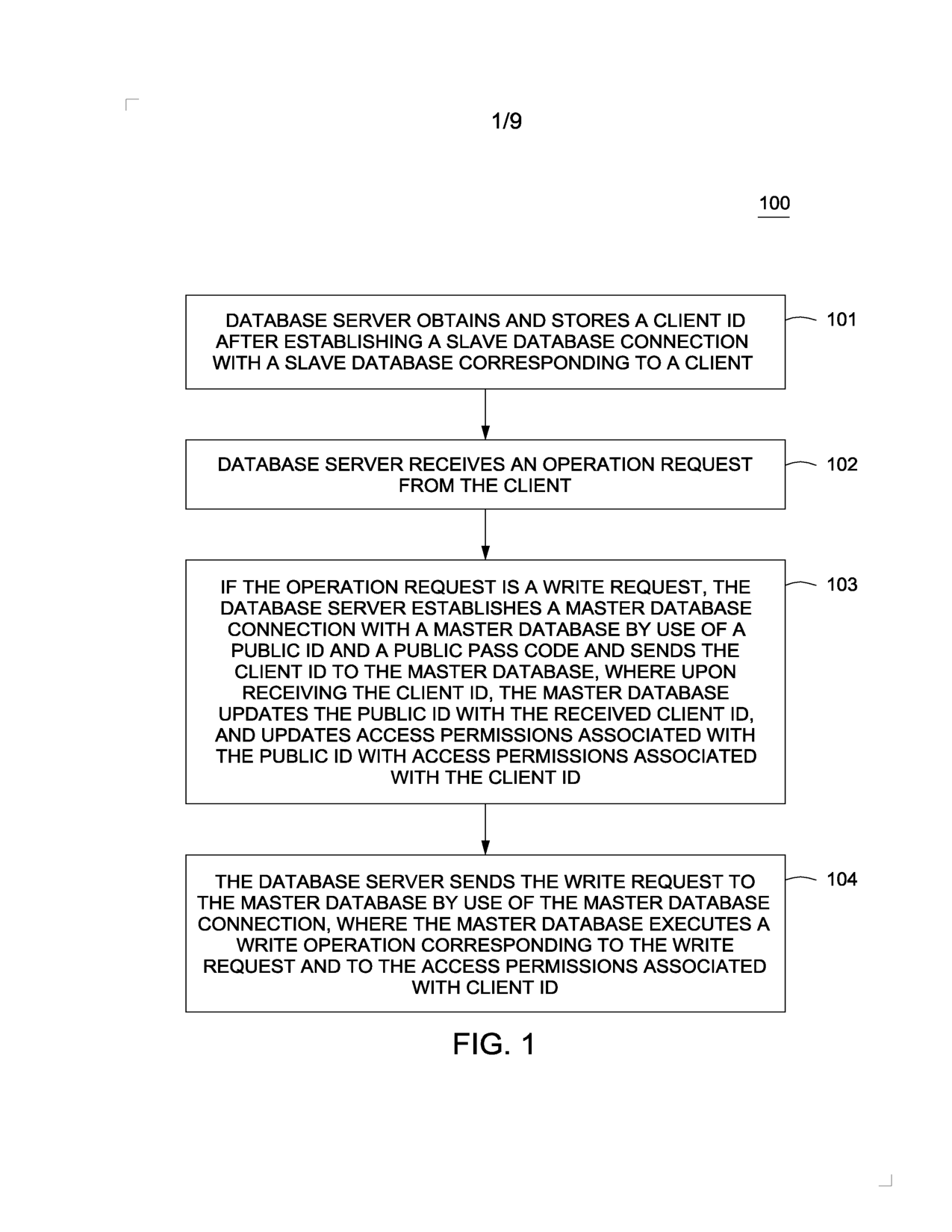
A drawing sheet from a granted patent, fetched by
get_drawings — including older CCITT fax-compressed
scans like this one.
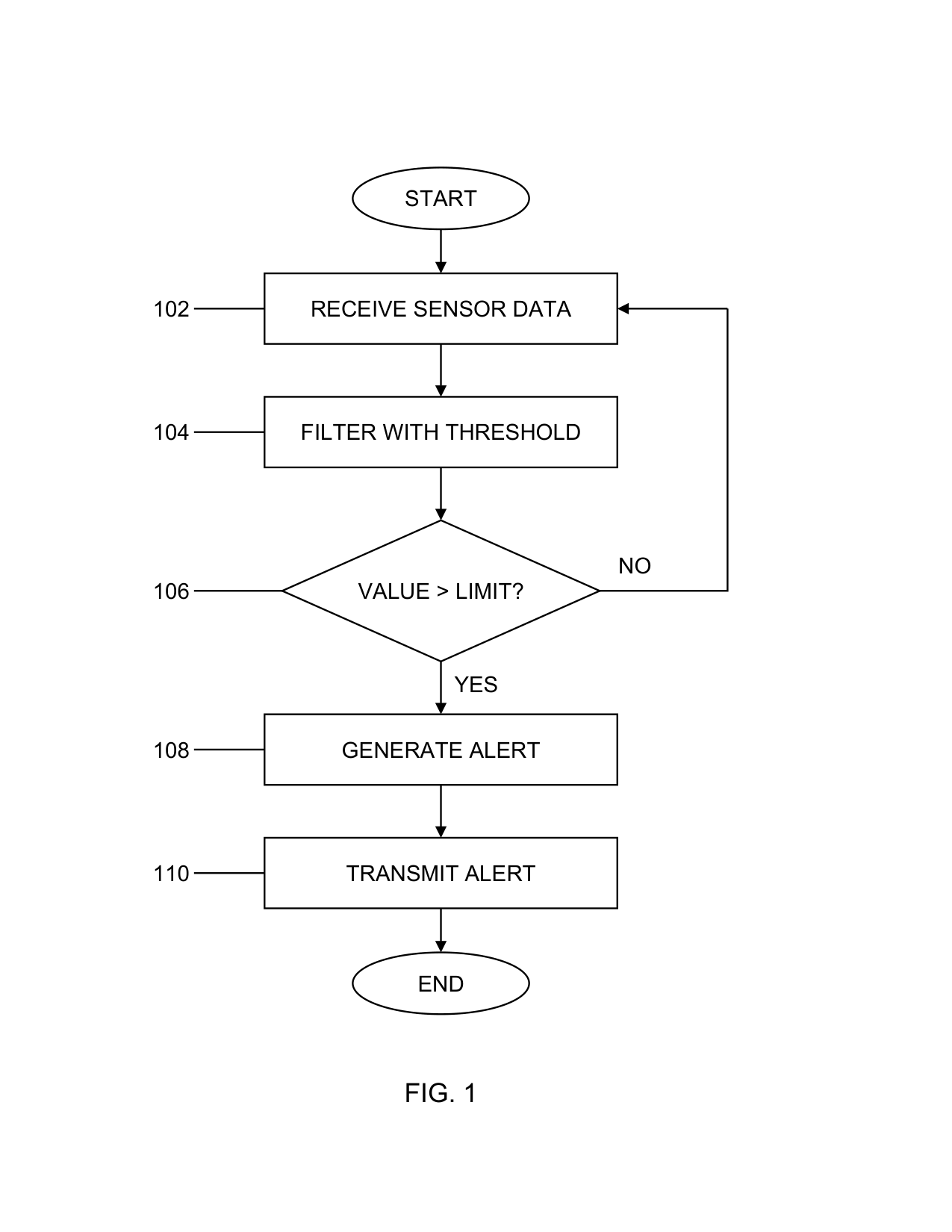
A compliant FIG. 1 drafted by the skill from a four-step claim, checked against 37 CFR 1.84, then assembled into a filing-ready PDF.
Download the extension and double click it (or drag it into Settings > Extensions). Claude Desktop will ask for your free USPTO API key.
https://github.com/Beginnerinvestorhub/patent-tools/releases/latest/download/patent-connector-1.4.0.mcpbInstalls the drawing skill and the connector together. Requires Node.js 18+ and your free USPTO API key, which Claude Code asks for when you enable the plugin.
claude plugin marketplace add Beginnerinvestorhub/patent-tools
claude plugin install patent-tools@patent-toolsZip the skills/patent-drawing folder and upload it
under Customize > Skills.
devin plugins install Beginnerinvestorhub/patent-toolsThe connector needs your own free key from data.uspto.gov (sign in, then My ODP). Claude Desktop asks for it during install. Claude Code asks for it when you enable the plugin and keeps it in secure storage. See the README. Your key and queries go straight from your computer to api.uspto.gov — there are no servers in between.